

Account and authentication
Quanorix uses a web session (cookie) plus an API bridge. This page covers your customer account only — we do not document admin panels or internal roles.Sign up (email / password)
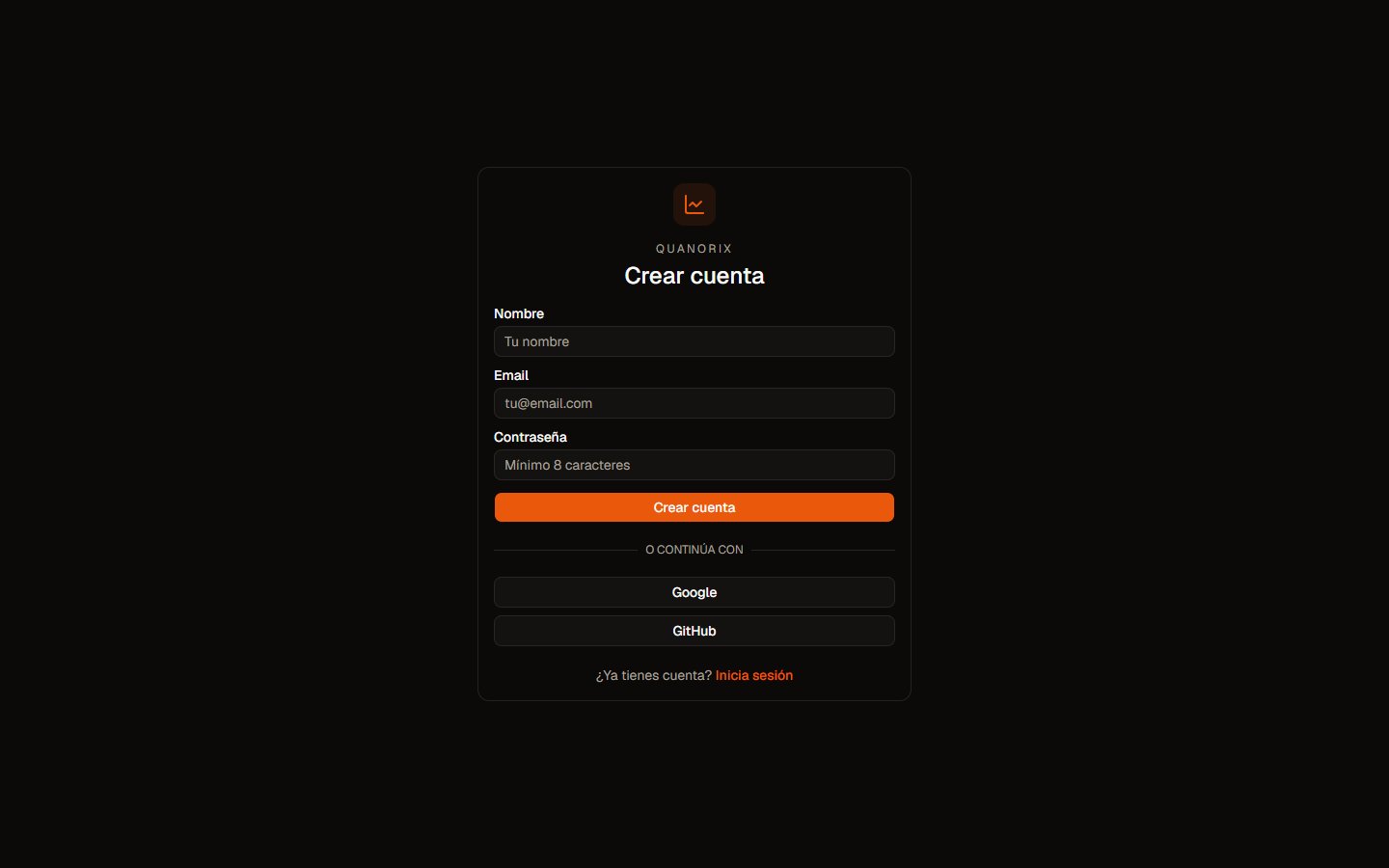
Create account. Click to zoom.
- Open Sign up and enter email and password.
- The system emails a one-time OTP code.
- Complete email verification before email/password login is usable.
- If the email is missing, use Resend code and check spam.
Login
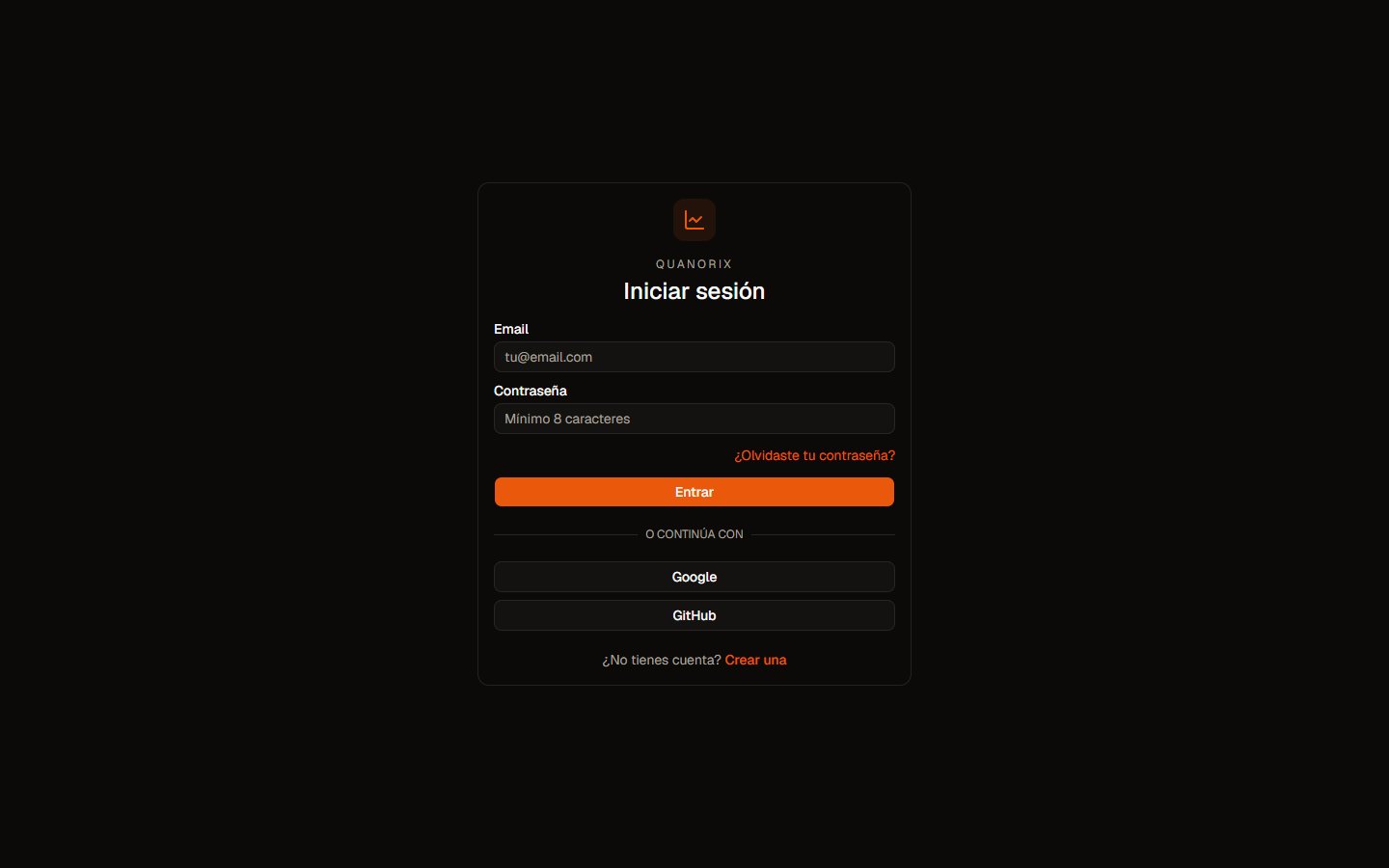
Sign in. Click to zoom.
- Email / password (verified email).
- Google or GitHub: choose the button, authorize with your Google/GitHub account, and sign in without a Quanorix password. If those buttons are missing, only email/password is active.
Reset password
- Forgot password → enter your email.
- Receive OTP → enter the code.
- Set a new password.
Profile
Profile covers visible identity fields, preferences, TPA status, MCP and API keys, and (by plan) billing. The workspace is personal: you see your strategies, portfolios, and jobs.Common issues
- OTP missing → resend; check spam; wait a few minutes.
- “Email not verified” → finish the sign-up OTP flow.
- After login you see no data → confirm you are on the same account that created the content.
- More help: Troubleshooting.