

Jobs
Jobs is the list of background tasks you start from Generator, Validation, Portfolios, Evolve, or Data: generation, evolve, walk-forward, robustness, regime, portfolio backtest, and data download/updates. You can track progress here even after leaving the screen where you started them.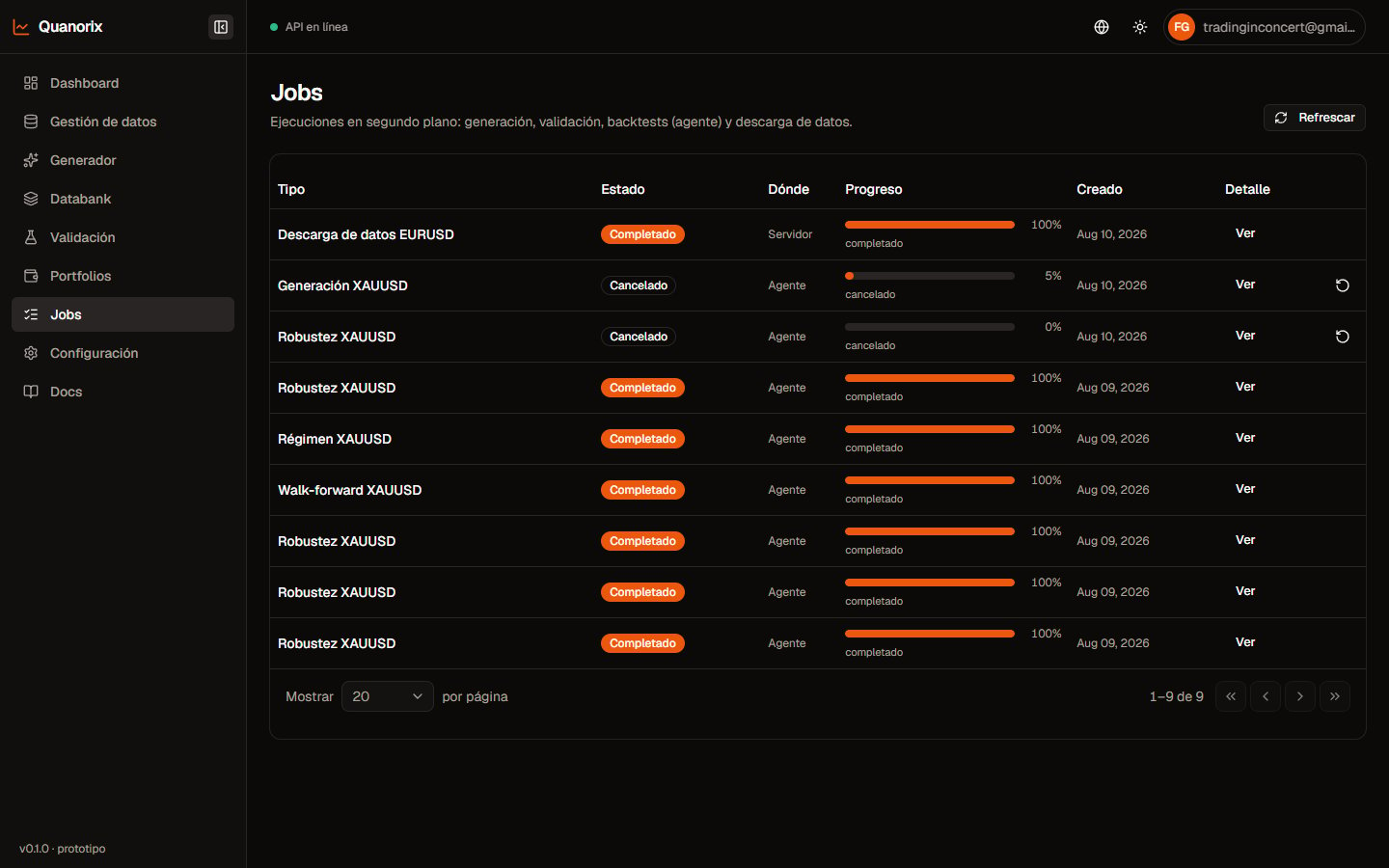
Jobs list. Click to zoom.
Where each job runs
If the app requires an agent and the TPA is offline, queuing fails with a clear message → Install and pair.
Statuses
Queued → Running → Done / Error / Cancelled / Paused. The list auto-refreshes while jobs are active.Actions
Can I delete a job?
There is no manual per-row delete. You can cancel, pause, or resume depending on the type. History is cleaned up automatically by retention (below).Progress and ETA
Long runs show progress (% / counters). The Generator also shows ETA when the engine computes it. On generate, the phase switches to Generating when search starts (it does not stay on data load). If a generation is already running, a backtest or validation runs at the same time (generate does not pause). Details: TPA. You can leave the page — the job stays under Jobs.Common types
- Generation / Evolve
- Walk-forward / Robustness / Regime
- Portfolio backtest
- Data download / Update all or selected
Retention
Under Settings → General → Jobs retention (days):- How long to keep history (typical default 30).
- 0 = do not auto-delete.
- Cleanup happens when queuing or running a job (no separate cron).
Common issues
- Job won’t start (agent) → TPA online + Profile Connected.
- OOM on generate → lower workers (Generator).
- Pause missing → that type does not support it.
- More: Troubleshooting.