

Presets and multi-timeframe
Presets
Presets store your Generator configuration (data, engine, costs, exits, etc.). They are per user — not shared across accounts.Actions
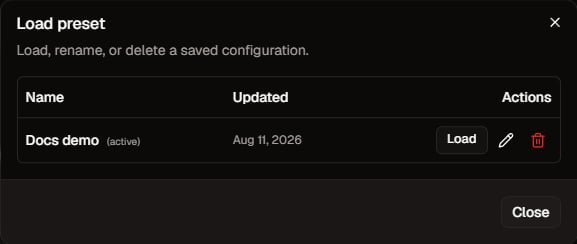
Load preset dialog. Click to zoom.
Multi-timeframe
Entry timeframe
- Pick a concrete TF, or
- Auto (randomize): each strategy samples entry (with at least one higher TF available; D1 is never entry).
Higher timeframes (context)
- Enable Use higher timeframes for context conditions on a TF strictly above entry (max 2 TFs).
- Contexts (optional): empty = randomize among higher TFs; if you pick values, sampling is limited to that list.
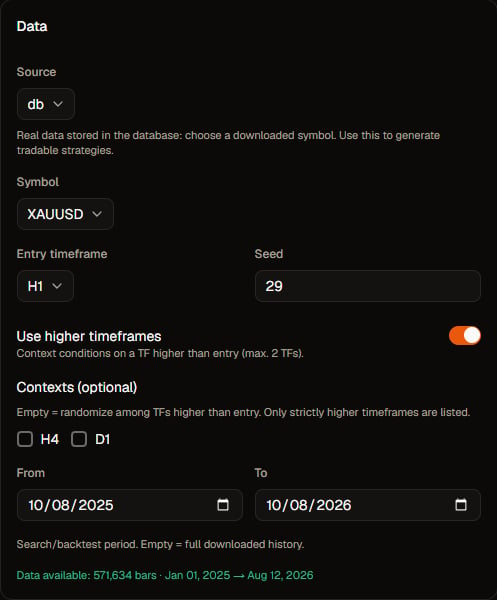
HTF / contexts in the Generator. Click to zoom.
Edge on HTF
If the strategy has higher-timeframe leaves, Force edge on multi-TF storesentry_trigger=edge to reduce sticky re-entries when exporting to MetaTrader. Off = only the form’s entry_trigger probability.