

Settings
Settings stores per-user preferences in the database. They are the starting point for Generator, portfolios, and display — they do not replace per-run overrides.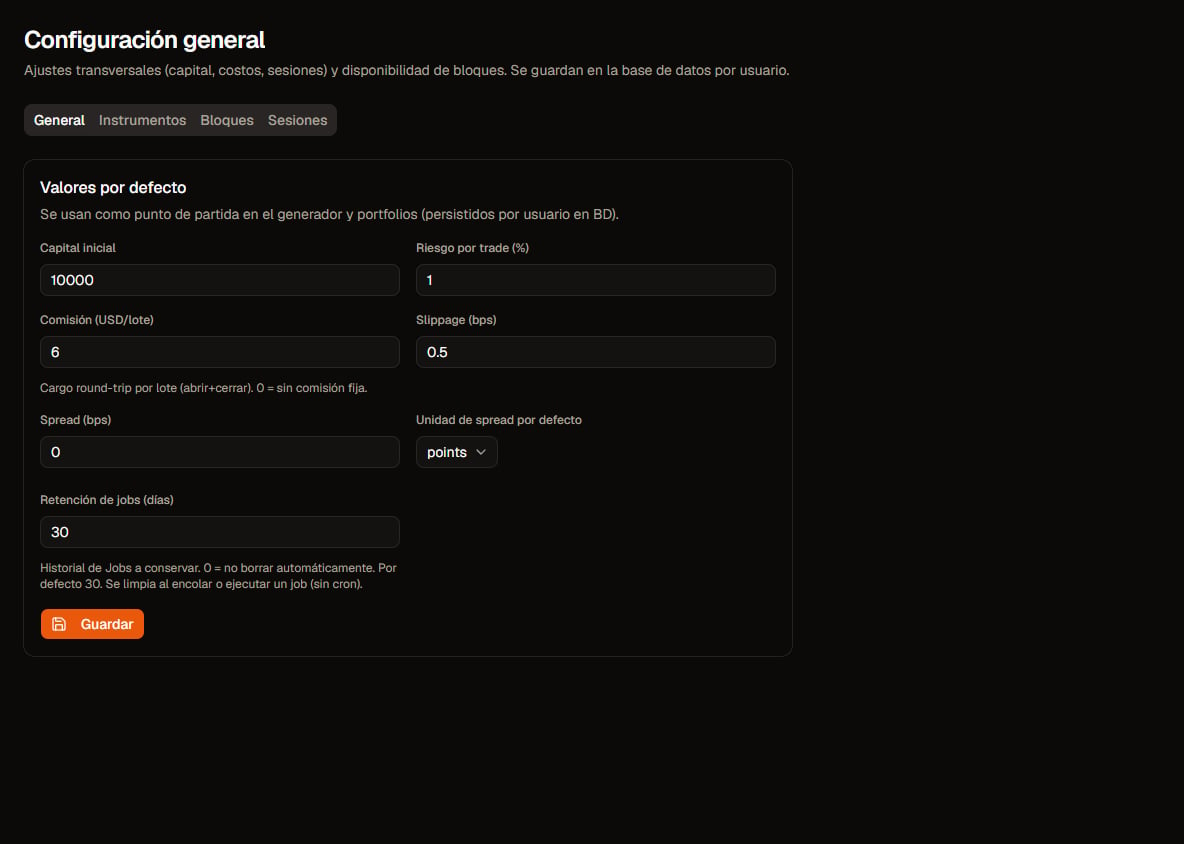
Settings · General. Click to zoom.
Tabs
Use Save on each section when the UI asks for it.
General
- Cost and capital defaults used when opening forms.
- Jobs retention (days): history under Jobs;
0= do not purge.
Instruments
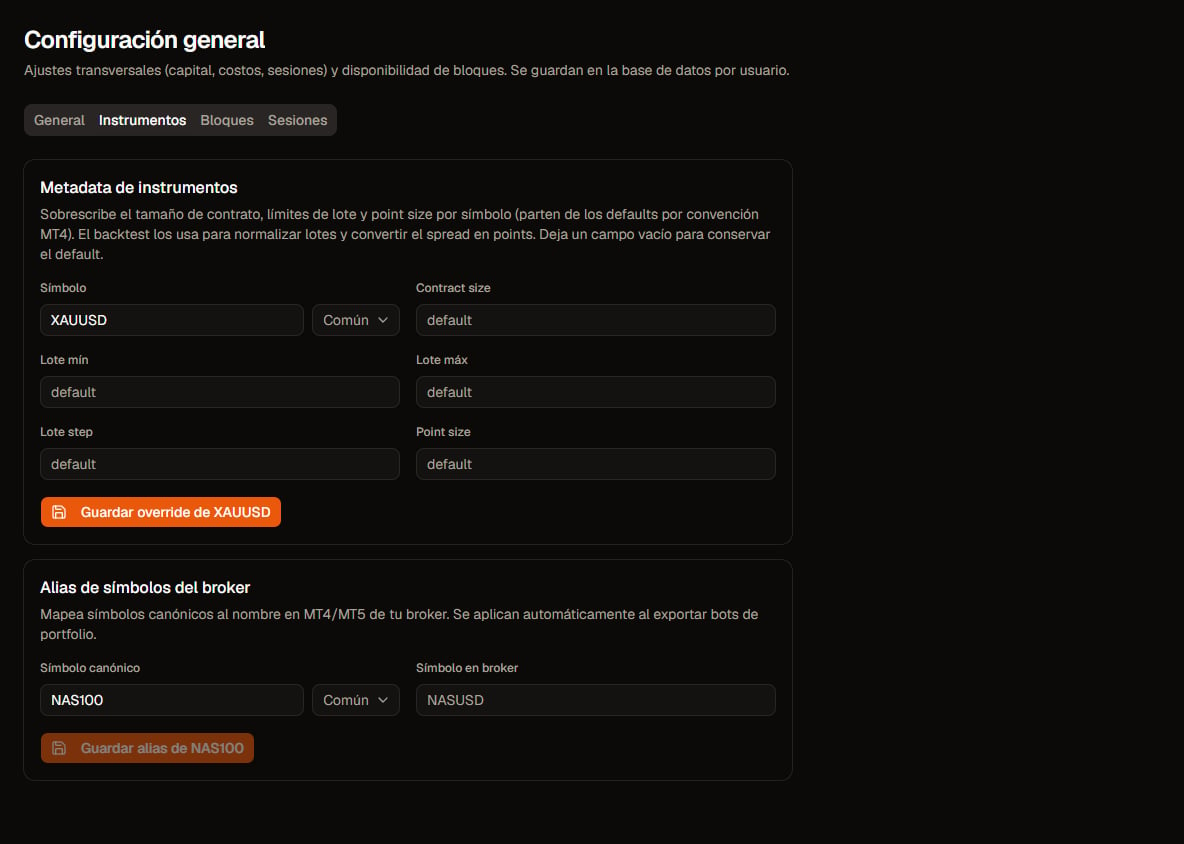
Settings · Instruments. Click to zoom.
- Override MT4-style metadata (contract size, point, lot bounds). Empty fields = catalog default.
- Broker aliases: map canonical symbol → broker Market Watch name when exporting portfolios. MT5 portfolio needs the exact ticker in code; MT4 / individual strategies trade the chart you attach. After changing aliases, re-export EAs.
Blocks

Settings · Blocks. Click to zoom.
Sessions (critical)
There are two different timezones:- Session filter — affects when the engine may trade (Asia/London/NY presets, windows).
- Display TZ — only how times are shown in tables/charts/HTML reports; does not change the backtest.
InpBrokerGmtOffset): Sessions and timezones.
Relation to Generator / Portfolios
- Generator Reset restores form defaults (does not rewrite these tabs).
- Portfolios inherit/edit capital and per-member costs; Settings provide the baseline.
- After changing TZ or aliases, re-export EAs if you already have old bots.