

Language
Quanorix is available in Spanish and English.How to change it
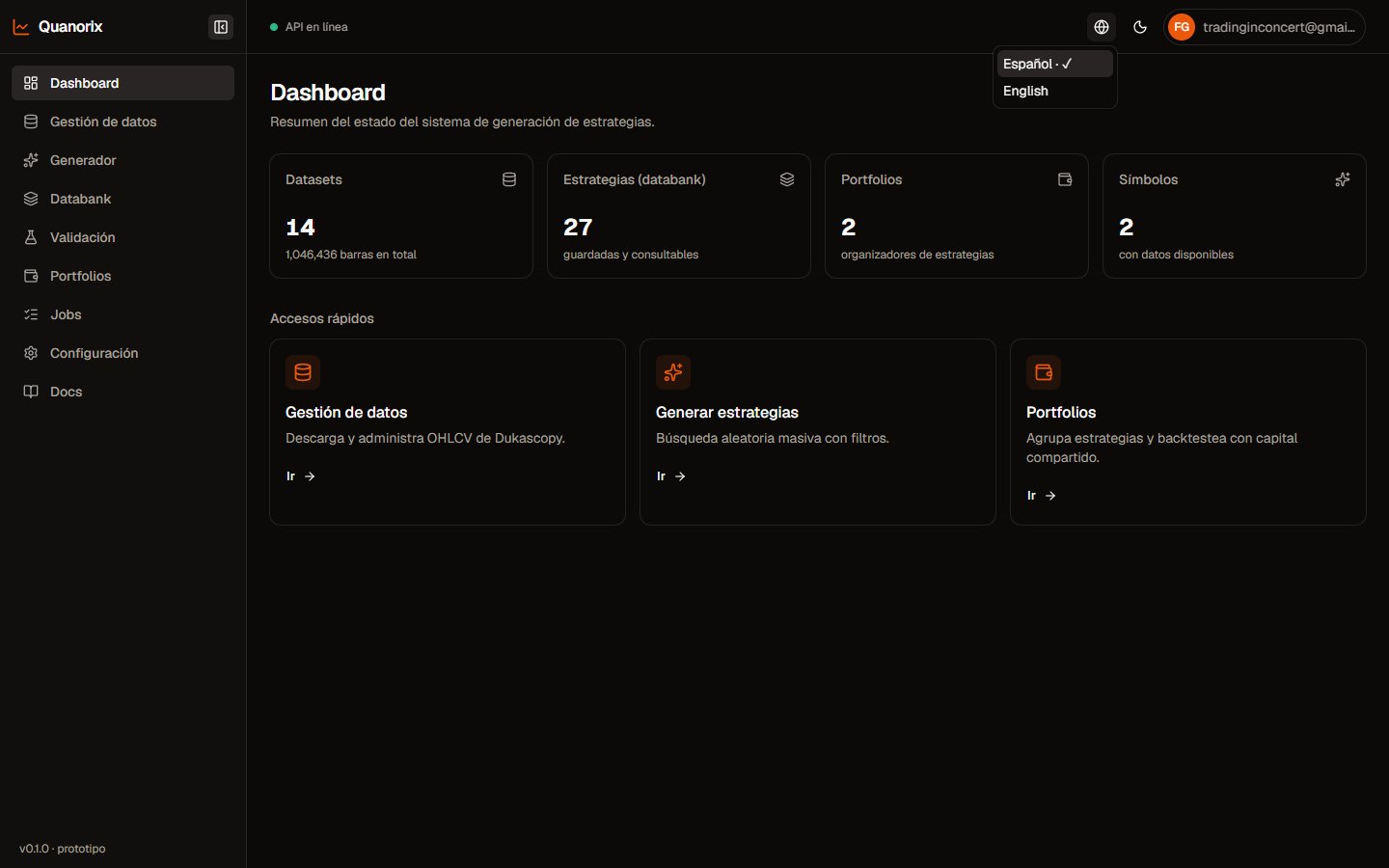
Language switcher in the header. Click to zoom.
- Use the in-app language control (header / profile, depending on the screen).
- The preference is stored on your identity and kept in sync with the locale cookie so the UI (and OTP emails when applicable) use the same language.