

Dashboard
The Dashboard is the authenticated app home. It summarizes what is happening now (jobs, TPA, quotas) and shortcuts to what usually matters: favorites, top by PF, and highlighted portfolios.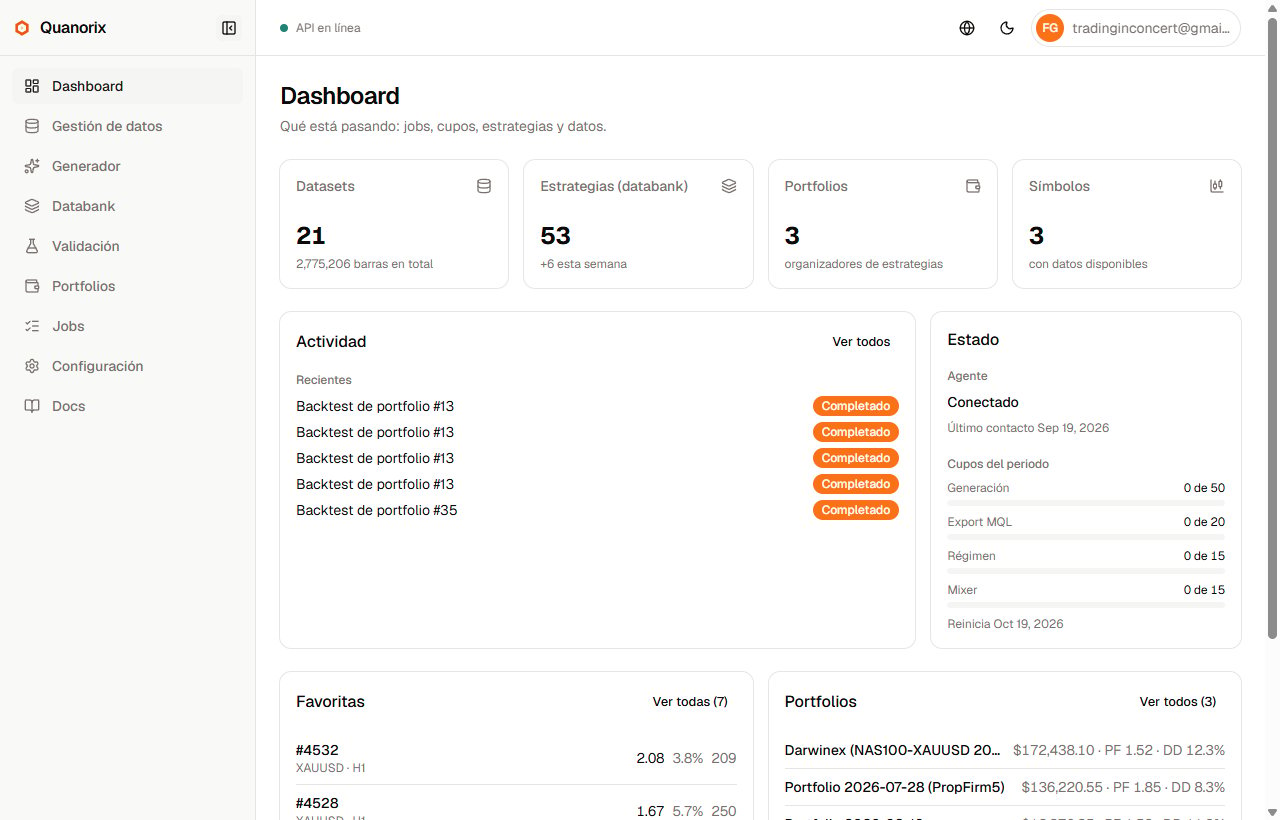
Dashboard. Click to zoom.
What you see
Dataset / strategy / portfolio / symbol counts give quick context; the focus is activity and status, not a static panel.
When to use it
- On open: is a job running? Is the TPA online? Any quota left?
- Jump to a favorite or portfolio without digging through filters.